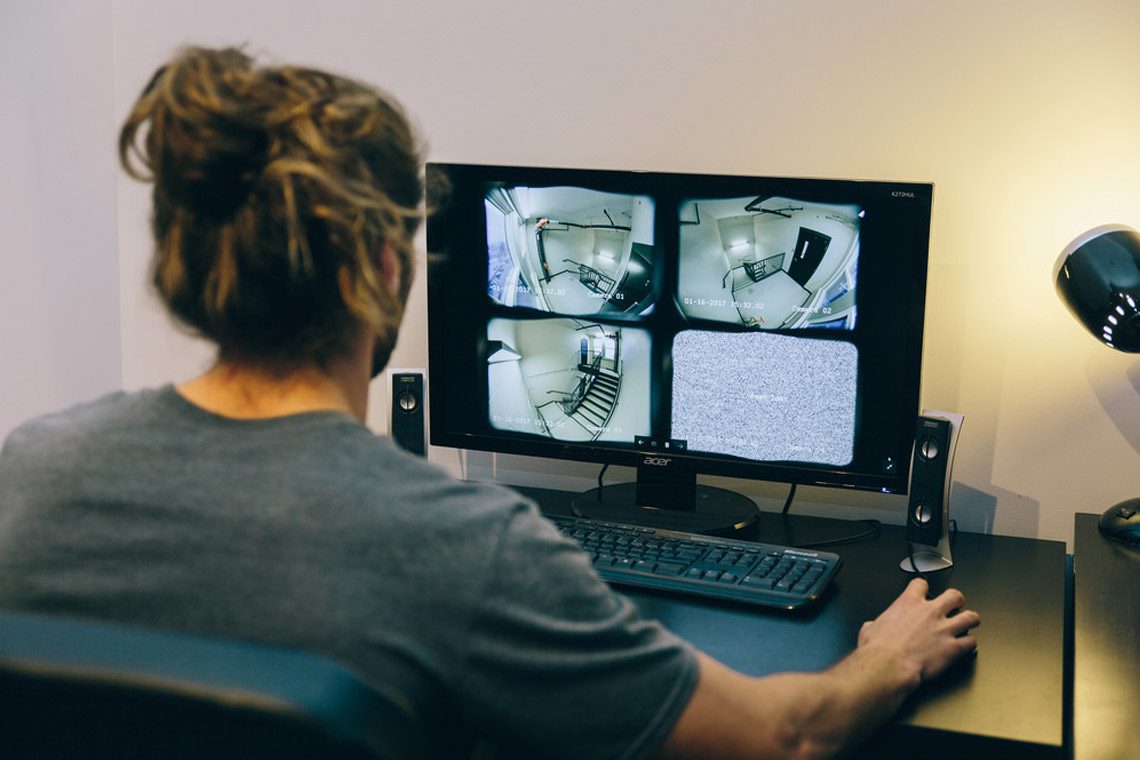
Airbnb security camera rules: what hosts can and can’t do
Last updated: April 7, 2026
Installing an airbnb security camera inside your property may seem like a straightforward way to protect your space. In practice, it often raises privacy concerns and can create compliance risks if not handled correctly.
Since 30 April 2024, Airbnb does not permit interior surveillance or recording devices inside a listing, including hallways and shared indoor spaces, even if the device is switched off. Exterior cameras can be allowed, but only when clearly disclosed and positioned away from areas where guests would reasonably expect privacy.
For hosts looking to protect their property without compromising guest trust, structured communication and clear house rules are usually more effective than surveillance. A practical starting point is strengthening your Airbnb house rules and guest expectation before arrival.
Vet guests using Airbnb tools
Screening is about reducing risk before a booking, not watching guests during a stay. Use Airbnb’s verification signals, clear rules, and consistent communication to filter out problems without creeping anyone out.
Start with what the platform already gives you:
- Look at guest reviews, profile completeness, and communication style.
- Keep booking expectations clear and consistent (rules, max occupancy, visitor policy).
- Avoid “investigations” outside the platform that can create privacy, bias, or trust issues.
Good screening is usually just good structure: a calm pre-booking message that confirms basics (who’s staying, purpose of trip, arrival time), paired with clear Airbnb house rules that remove ambiguity.
If you want a practical checklist of red flags and common patterns, the mindset behind approving guests for your Airbnb is to spot risk early and politely decline when needed, without turning hosting into detective work.
Below are practical steps to keep your property secure while staying aligned with Airbnb’s rules. Each tip focuses on structure rather than surveillance.
1. Lock up valuables with an owner-only storage setup
Most of today’s security issues are simply access issues. Protect your own identity and remove the temptation for others by having one secure, locked storage area (for your private items) and leaving all other parts of your home accessible to guests.
It is very easy to forget how many personal things are lying around when you have lived in the house. When you first start preparing for guests to visit, move all valuable and sensitive items into a safe, secure, and locked owner closet, drawer, or storage box.
A basic owner-only checklist usually includes:
- Jewellery and cash
- Antiques or fragile valuables
- Credit cards and financial documents
- Passports, birth certificates, ID documents
- Personal paperwork (anything with addresses, account numbers, medical info)
- Sentimental items you can’t replace
The point isn’t to assume every guest is a problem. It’s to make sure one accident can’t ruin your week.
2. Use proper short-term rental insurance
Platform protections are not the same as insurance. If you run a short-term rental, you need a policy that explicitly covers that activity.
Standard home insurance policies often exclude short-term letting. Many owners only discover this after making a claim. Before you rely on any coverage, check your policy wording carefully and confirm whether short-term rental activity is included.
For higher-value homes or multi-unit portfolios, a dedicated short-term rental insurance policy provides clearer terms, fewer grey areas, and more predictable coverage. This can include protection for guest damage, liability claims, and income loss following insured events. The process behind what to do when guests damage your Airbnb is basically proof beats emotion.
3. Protect your mail and personal data
Mail is one of the easiest ways for private information to leak. Keep your mailbox locked, move sensitive deliveries offsite, and don’t let guest access become your data risk.
Even in 2026, mail still contains private details: bank letters, tax documents, medical appointments, replacement cards. If guests can access your mailbox key, you’ve basically created a low-effort privacy breach.
Simple options:
- Lock the mailbox and keep the key owner-only
- Use a PO box or alternative delivery address for important mail
- Ask a trusted neighbour or co-host to collect post during stays (with a backup plan)
This applies globally: local post systems differ, but the principle is the same. Guests don’t need access to your personal correspondence.
4. Secure your Wi-Fi without making it weird
Wi-Fi security is mostly basic hygiene. Give guests a separate network, lock down router settings, and make sure smart devices aren’t silently collecting data.
The easiest upgrade is a separate guest network. It reduces risk and keeps your devices (laptops, NAS drives, printers, smart home hubs) out of reach by default.
Good baseline practices:
- Use a dedicated guest network (separate SSID)
- Change router admin password from the default
- Keep firmware updated
- Use WPA2/WPA3 (and disable WPS if you don’t need it)
- Review “shared folders” and device discovery settings on your own devices
For guests, you don’t need to explain any of this. You just provide stable Wi-Fi and keep your personal network private.
5. Security deposits: understand what Airbnb allows
Security deposits aren’t a universal Airbnb feature. Most hosts can’t charge one, and trying to do it the wrong way can backfire on trust and compliance.
A lot of older hosting advice assumes deposits are normal. Airbnb’s current position is that most hosts are not allowed to charge security deposits, with limited exceptions (for example, some software-connected listings) and clear disclosure requirements where permitted.
So what protects you instead?
- Clear rules and occupancy limits
- Strong documentation (photos + receipts)
- AirCover protections
- A consistent turnover checklist (so you spot issues early, not days later)
If you do have a permitted deposit setup through approved tools, treat it as a friction trade-off: it can deter risky guests, but it can also reduce conversion for normal guests who just want a straightforward booking.
Full disclosure: cameras, noise monitors, and smart devices
Indoor cameras are not allowed on Airbnb, full stop. Exterior cameras and noise decibel monitors can be allowed, but disclosure and placement rules matter.
Airbnb’s policy is specific:
- No interior cameras or recording devices monitoring any part of the inside of a home (hallways included), even if switched off.
- Hidden cameras are prohibited.
- Exterior cameras can be allowed, but must be disclosed and must not monitor areas where guests expect privacy (like enclosed outdoor showers or saunas).
- Noise decibel monitors may be allowed inside as long as they don’t record audio, are disclosed, and aren’t in bedrooms/bathrooms/sleeping areas.
If you use smart devices (like voice assistants), you don’t need to panic, but you do need to respect guest comfort. Many hosts give guests the option to unplug or disable smart speakers, which reduces friction and builds trust.
Keeping your place safe without crossing privacy lines
Need to protect your home? Great. Do it in a way that doesn’t compromise the guest experience or violate platform rules.
The best “security” usually looks like this:
- Good booking expectations
- Good operational discipline
- Good documentation
- Good privacy boundaries
If you want the safety and consistency of a system without managing every detail yourself, Airbnb management support can cover guest screening, messaging, turnovers, and damage workflows in a way that protects both ratings and your sanity.
Need help with your property management?
GuestReady’s property management service brings guest screening, communication, cleaning coordination, and damage control into one structured system. Our team implements clear processes that protect your ratings while staying fully aligned with Airbnb’s platform rules. From booking checks to turnover inspections, every step is handled with operational discipline, so your property stays secure without compromising guest privacy.
Frequently Asked Questions
Are indoor security cameras allowed in an Airbnb?
No. Airbnb does not allow any security cameras or recording devices that monitor the interior of a listing, including hallways and common areas, even if the device is turned off.
Can I install an outdoor Airbnb security camera?
Yes, outdoor cameras can be allowed, but they must be clearly disclosed in the listing. They cannot monitor areas where guests expect privacy, such as enclosed outdoor showers or saunas.
Are noise monitoring devices allowed in an Airbnb?
Yes, noise decibel monitors may be allowed inside listings as long as they do not record audio, are disclosed to guests, and are not placed in bedrooms, bathrooms, or sleeping areas.
Do I have to disclose security devices in my Airbnb listing?
Yes. All permitted surveillance or monitoring devices must be disclosed in the listing description, including their location and whether they are active.
Can I charge a security deposit instead of using cameras?
In most cases, Airbnb does not allow standard hosts to charge security deposits directly. Some exceptions apply to certain software-connected listings or hotels, but disclosure rules apply.
What’s the safest alternative to an indoor Airbnb security camera?
The safest alternatives include:
- Clear house rules
- Guest verification and reviews
- Owner-only storage for valuables
- AirCover protections
- Proper short-term rental insurance